











Working With a Zoom Magician: A Host’s Guide to a Virtual Show That Runs Smoothly
Working With a Zoom Magician: A Host’s Guide to a Virtual Show That Runs Smoothly
You’re the host. That means when the call starts, everyone is going to look at your little box first.
You’re the one who sent the invite. You’re the one who promised this would be fun. And if the link doesn’t work, the audio cuts out, or the show starts with half the guests still stuck in the waiting room, you’re the one who feels it.
Here’s the good news. When you bring in an experienced Zoom magician, you’re not doing this alone. I’m Magical Katrina, a professional magician and mentalist based in Las Vegas, and I perform live, interactive virtual shows for remote teams and online events. Part of my job is making the host look brilliant.
This guide walks you through what to do before, during, and after a virtual magic show. It’s the practical side most people don’t think about until the day of the event.
There’s also one host setting that can quietly make or break the whole show. Most hosts never think to check it. I’ll tell you what it is at the end.
First, What Does a Zoom Magician Do?
A Zoom magician performs a live, interactive magic and mind reading show over video, designed specifically for an online audience. Guests take part from wherever they’ve logged in. They make choices, react on camera, and sometimes join in directly.
My shows combine:
Magic: impossible moments that happen on screen, often shaped by your guests’ choices.
Mentalism: the appearance of reading minds, predicting decisions, and revealing thoughts nobody said out loud.
It’s not a recorded video, and it’s not a stage act pointed at a webcam. It’s a show built for the screen, performed live for your group.
Before the Show: Setting Up for Success
Most of what makes a virtual show great happens before anyone logs in. Here’s what helps the most.
Share the Right Details Early
When you first reach out to a Zoom magician, share as much as you can about your event:
Date and time, including time zone
The platform you’re using
Approximate number of guests
The type of event and what you’re celebrating
Who’s attending, such as employees, executives, clients, or friends and family
Anything you’d like woven into the show, like a company name, milestone, theme, or guest of honor
The more I know, the more I can shape the performance around your group.
Decide Where the Show Fits
Booking a Zoom magician works best when the show is a clear highlight, not something squeezed between agenda items. For most events, placing the show early, after a short welcome, keeps energy and attention high. If your event has a different structure, tell me and we’ll find the best spot together.
Write an Invitation That Builds Anticipation
Your invitation sets expectations. A little excitement goes a long way, and so does a nudge toward cameras on. Here’s sample wording you’re welcome to adapt:
“Join us for a live, interactive magic and mind reading show! Please come with your camera on and your curiosity ready. You might just get your mind read.”
That one line tells guests it’s interactive, encourages cameras, and gives them a reason to show up on time.
Get Guests There on Time
Send a quick reminder with the link shortly before the event starts. If you’re using a waiting room, have someone ready to admit guests quickly so nobody misses the opening moments. A show feels much bigger when the whole group is there from the start.
Plan a Quick Tech Check
A short test before the event lets us confirm audio, video, and how the call will be run. It only takes a few minutes, and it means you can relax once the event starts. Any professional Zoom magician will be glad to coordinate on this.
Know Who’s Running the Call
If someone other than you will manage the technical side, like an IT team member or an event producer, loop them in early. Clear roles make the show feel seamless to your guests.
During the Show: Your Role as Host
Once the show starts, your job gets much easier. But a few small things make a big difference.
Kick Things Off Warmly
A short welcome from you helps guests settle in. Thank everyone for coming, mention what you’re celebrating, and introduce the show. Keep it brief. Energy is precious on a video call.
Help With Spotlighting and Layout
Depending on how your event is set up, the host may need to spotlight the performer or adjust settings so everyone can see the action clearly. We’ll agree on all of this during the tech check, so there are no surprises.
Be a Great Audience Member
This one sounds small, but it matters. When the host is visibly enjoying the show, laughing, reacting, and volunteering, guests feel free to do the same. A Zoom magician feeds off the energy in the room, and the host sets the tone for that room.
Don’t Worry About Hiccups
Frozen screens, a dog barking, someone’s kid walking into frame. They happen on almost every call. A professional Zoom magician rolls with them, and they often become part of the fun. You don’t need to apologize or panic. Just let the show carry on.
After the Show: Keeping the Energy Going
The moment the show ends is one of the best moments of any virtual event. Guests are warmed up, laughing, and talking. Don’t let that energy go to waste.
Plan What Comes Next
If you have a toast, games, breakout rooms, or open conversation planned, this is the perfect time. People are far more willing to participate after a Zoom magician has had them laughing together.
Take a Group Screenshot
A full grid of smiling faces makes a great keepsake and an easy post for your team channel.
Keep the Conversation Going
A simple follow-up message the next day, something like “Still can’t figure out how she did that,” keeps the experience alive. It also reminds everyone why bringing in a Zoom magician was worth it.
Choosing the Right Zoom Magician
Not every performer is right for every event. Here’s what I’d look for when you’re comparing options:
Built for the screen. Effects designed for video are easier to see and more engaging than a stage act aimed at a webcam.
Genuinely interactive. Guests should take part, not just watch.
Clean and inclusive. Everyone should feel welcome, and nobody should be the punchline.
Easy to work with. Clear communication, a tech check, and coordination with your host.
Verifiable experience. Real credits and real clients you can check.
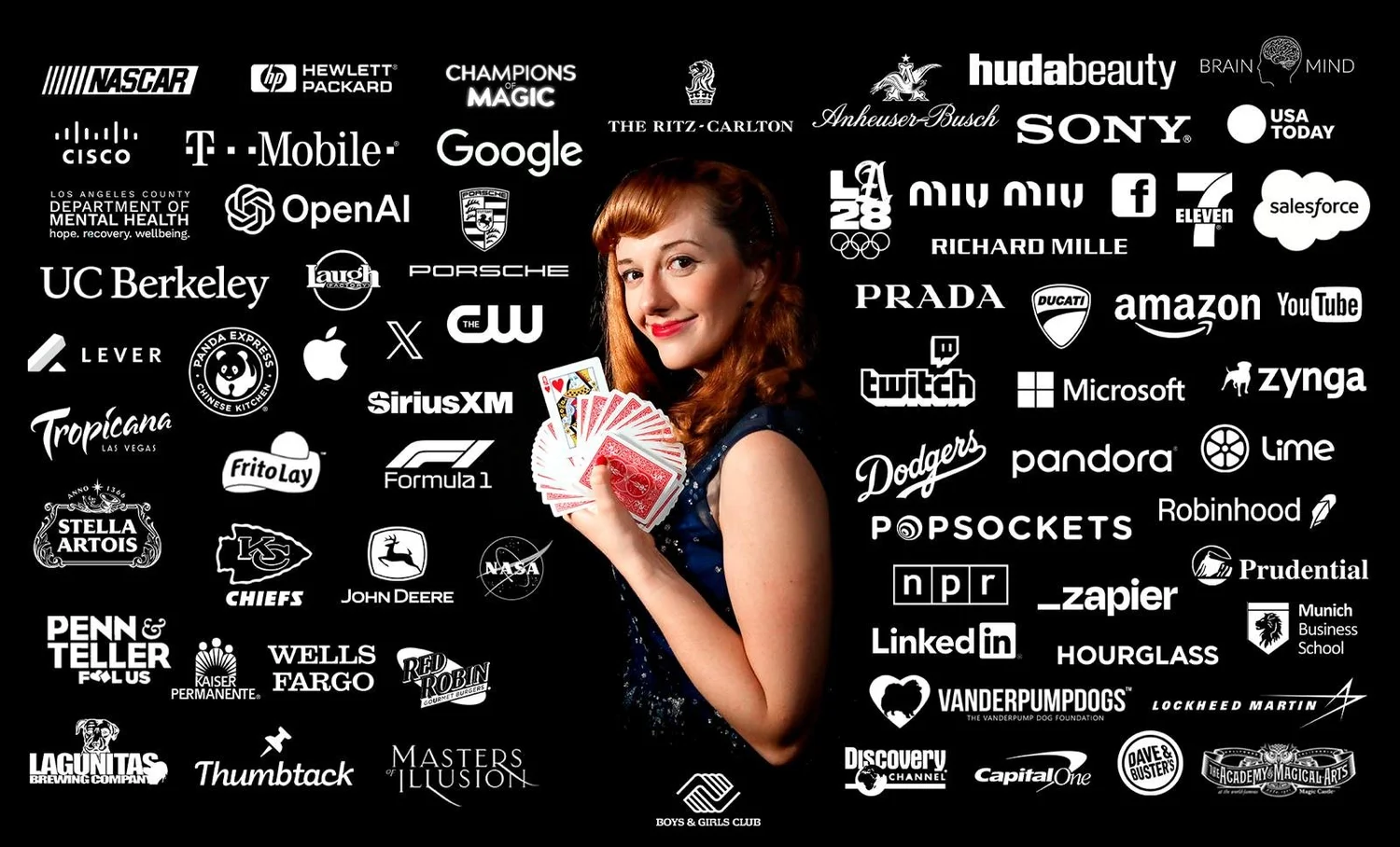
For my part, I’ve been performing professionally for more than 13 years in over 20 countries, with work connected to Formula 1, the Olympics, Porsche, Prada, and Ritz-Carlton. I’ve also appeared on Penn & Teller: Fool Us and Masters of Illusion. As a Zoom magician, that experience helps me read a “room” made of camera tiles and keep everyone with me from start to finish.
Frequently Asked Questions
What does a Zoom magician need from the host?
Usually just the basics: your event details, the platform you’re using, a clear sense of the schedule, and a few minutes for a tech check. A Zoom magician will also want to know who’s attending and what you’re celebrating so the show fits your group.
How much does a Zoom magician cost?
My virtual Zoom shows typically range from $1,400 to $5,000. The price depends on factors like audience size, the length and format of the show, and any customization. Send me your event details and I’ll recommend an option that fits.
Do guests need to do anything to prepare?
Usually not. One of the nice things about hiring a Zoom magician is how little guests need to do. Most just need a device with a camera and a reliable connection. If anything else would help for your specific event, I’ll let you know in advance. Participation is always optional.
Can I record the show?
That’s something to discuss ahead of time. If recording matters to you, mention it when you reach out and we’ll talk through what’s possible for your event.
How far in advance should I book?
As early as you can when booking a Zoom magician, especially for popular dates like the holiday season. Reaching out early gives you more options and more time to plan the details together.

The Host Setting I Promised to Tell You About
Here it is: let your guests unmute themselves.
Many hosts keep everyone locked on mute to avoid background noise. That makes sense for a presentation. But during a live magic show, the best moments are the spontaneous ones. Someone gasps. Someone shouts, “No way!” Someone laughs so hard their whole household comes to see what happened.
If guests can’t unmute, all of that disappears. The show still works, but it loses the sound of a real audience.
So when you’re setting up your call, check that participants can unmute themselves during the show. It’s a tiny change, and it turns a quiet grid of boxes into something that sounds like a party.
That’s the kind of detail a Zoom magician thinks about so you don’t have to. My job isn’t just to perform. It’s to help you host an event your guests genuinely enjoy and remember.
If you’re planning a virtual holiday party, team-building event, client appreciation night, or online celebration and want a Zoom magician who’ll make the hosting part easy, I’d love to hear about it. Reach out with your date, time zone, platform, guest count, and what you’re celebrating. Let’s make your next virtual event the one everyone actually unmutes for.